Global search
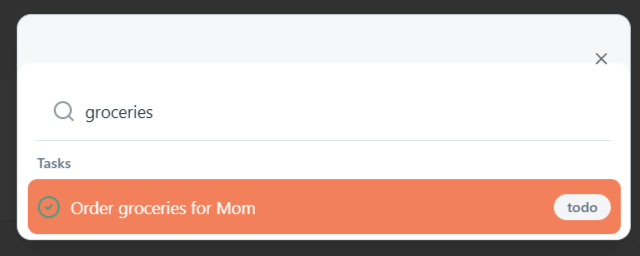
Use Global Search to jump to what you need without digging through menus.
- Open search from the header, or use Ctrl/Cmd + K.
What you can search
Per your current build, search can include items like:
- Tasks (and task comments)
- Rooms, conversations, posts/messages
- Room references
- Agreements
- Notes
- Calendar events
- Resources
- Family meetings
- Family members
- Parents (care recipients)
If a result looks unexpected, try a more specific keyword.
Next: Notifications